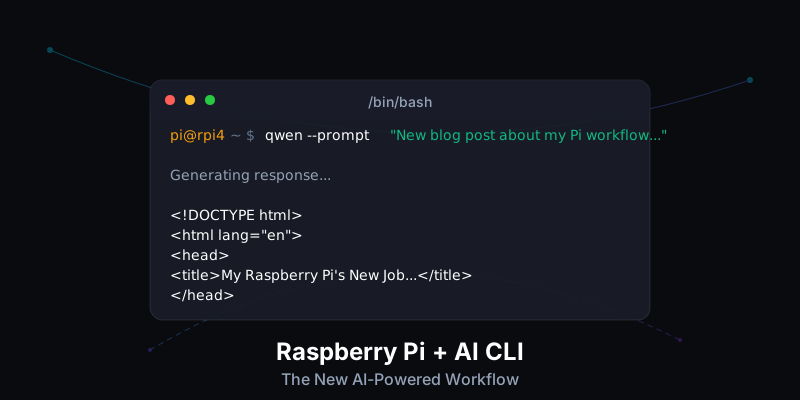
My home lab is in a constant state of evolution, and the Raspberry Pi has always been its heart. Previously, I detailed my journey of migrating my website away from a Raspberry Pi that had become polluted with experimental AI packages. Today, I'm excited to share the next chapter: the Pi's redemption story. With a fresh start, my Raspberry Pi 4 (8 GB) has a new, much cooler job: it's now my dedicated AI command center for managing josefresco.com.
The Freedom of GitHub Pages
First, a quick look back. Moving my site's hosting from my home-based Raspberry Pi to GitHub Pages was a game-changer. The process was surprisingly easy, and the benefits are impossible to ignore. My site is now faster, more reliable thanks to GitHub's infrastructure, and best of all, it's completely **free**. This move decoupled my website's uptime from my home's power and internet connection, freeing up my Pi for more interesting tasks.
The Pi's Second Act: An AI Management Station
With the burden of hosting lifted, I reformatted my Raspberry Pi 4 and gave it a new purpose. Instead of being a server, it's now a dedicated, low-power workstation for content creation and site management. The 8 GB of RAM is more than enough to run a lightweight OS and, most importantly, command-line interface (CLI) based AI tools.
Enter the Qwen CLI
My primary tool on this new setup is the Qwen CLI. While I've used various AI assistants, I was intrigued by Qwen's capabilities and, crucially, its generous free usage limits. For the day-to-day tasks of generating content, brainstorming ideas, and drafting code snippets, the free tier is more than "good enough to get things done." It's surprisingly powerful for a free offering and has become a staple in my workflow.
Running it on the Pi means I have an always-on, energy-efficient machine ready to handle my requests without tying up my main computer's resources.
A Collaborative AI Workflow
No single tool is perfect, however. While Qwen is fantastic for initial generation and heavy lifting, I've found that a multi-AI approach yields the best results. This is where the Gemini CLI comes in.
My workflow now looks like this:
- **Drafting:** Use the Qwen CLI on the Raspberry Pi to generate the initial draft of a blog post or a new page.
- **Feedback & Refinement:** Use the Gemini CLI for a "second opinion." I feed the draft to Gemini to get feedback, ask for alternative phrasing, and make iterative edits. Its nuanced understanding and conversational nature make it perfect for polishing content.
In fact, this very blog post was created using this exact process. The initial structure and content were drafted with Qwen, and the final edits and refinements were handled with help from the Gemini CLI.
Conclusion: A Robust, Low-Cost Setup
By moving my hosting to GitHub Pages, I've not only made my website more robust but also unlocked the true potential of my Raspberry Pi. It has transformed from a single point of failure into a powerful, energy-efficient AI command center. This new workflow, combining the strengths of the Qwen CLI for drafting and the Gemini CLI for refinement, is both highly effective and incredibly cost-efficient. It's a testament to how accessible and powerful modern AI tools have become, allowing for a sophisticated development and content management setup with minimal hardware and cost.